
Hello everyone
Well Win 10 is here and I survived the upgrade.
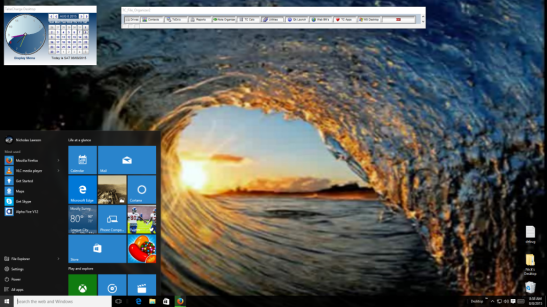
Our desktop looks good and so far is behaving well. The screen you are looking at is on an old desktop machine which was a custom built box running Win XP. This required a complete install of the Win 10 image from the Microsoft Store which I purchased and wrote to a DVD so I could do the install.
The install went smooth and very fast and I was surprised to see that It did not totally wipe the hard drive as some predicted. It created a Windows.Old folder and left all folders located at the root of C intact. So even though I backed up all of my work and customer applications on my machine I did not need to restore them.
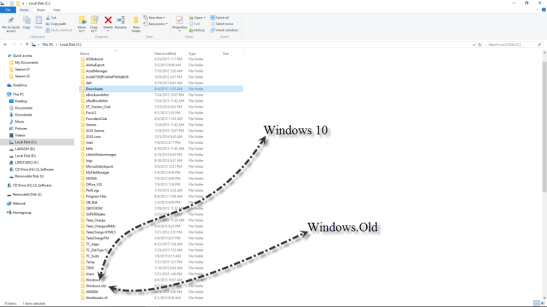
As you can see from the above image I was saved a lot of work. My other computers were laptops running Win7 service pack 3 and the upgrades all went OK, some better than others. All issues encountered were easily resolved by reinstalling a few drivers which did not work correctly after the upgrade. Overall I spent basically a day and completed the upgrade on all machines. On a scale of 1 to 10 I give the process and 8.5
As I discussed in an earlier post, it was said, Windows 10 will be designed to support older third party software applications and it does; at least it supports mine..
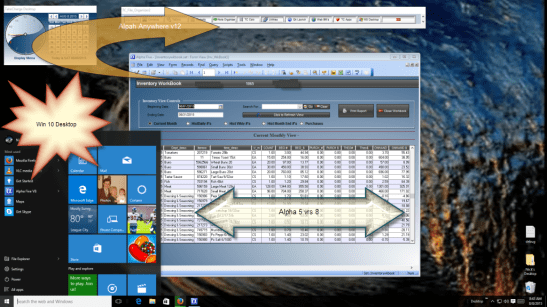
The above image shows my Desktop written in Alpha Anywhere v12 and a form view from my Managers Workbook written in Alpha Software v8. I do not recommend leaving applications in version 8 because it actually runs slower on Win 10 then on XP whereas Alpha Anywhere runs very fast taking advantage of Windows 10 new core processes. I also have customer application written in Alpha Software v10 and they work as well. The fact is I have already started upgrading all of my customer applications to Alpha Anywhere v12 because v12 will work on older systems as well thus letting the customer switch to Win 10 at their own pace. I encourage all of you to do the same.
Now lets discuss what will make the cut in our desktop app on Win 10.
Our Calendar clock and QuickLaunch Bar with File Folder dual screen utilities will stay.
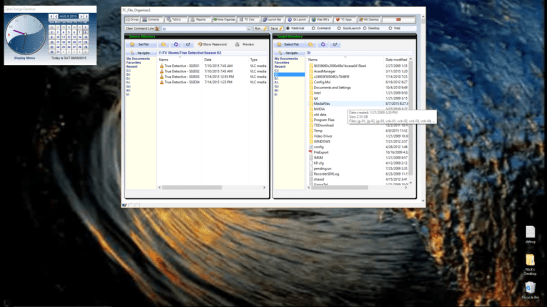
Why? Because it still serves as a useful part of our desktop adding functionality to Windows as a means of organizing and controlling data files on our computer. Our Start Menu
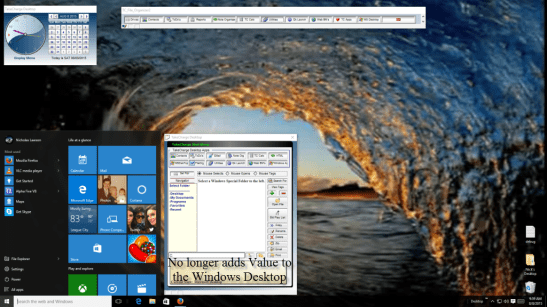
on the other hand will sadly go. Look at the above image and it is easy to see that Windows has now added all the features we said were missing from their start menu and more with the live tiles. Our start menu though simple and effective does not offer as much so it’s time to say goodbye. Our other modules will stay and I will be working on adding a Win 10 Phone module as well.
Well that’s it for today. I hope you all will switch to Win 10 and Alpha Anywhere they are perfect together.
My next post will look at finalizing our Dual pane Viewer system and I hope to have it up soon. Until then, I would like to say thanks again for stopping by and remember, if you need help with an Alpha Software application or wish to inquire about a custom application for your business go to our website
and inquire or contact
NLawson@cdc-TakeCharge.com
Have a great day.


Leave a Reply