
Hello everyone
Today’s lesson is about our front page to our application and the components which make it up.
- Analog Clock
- Super Control Calendar
- Popup Style Menu
The video above shows how each is created.
Analog Clock:
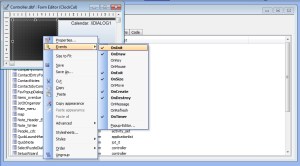
The analog clock is provided freely from Alpha Software as an example of how to do owner draw functions in xBasic code. If you wish to use it, simply copy the hot spot object on their sample and paste it on to your form.
Super Control:
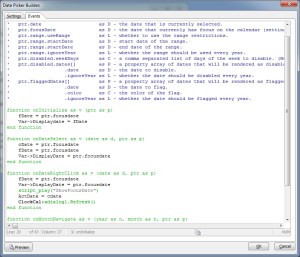
The super control calendar is an excellent tool and comes with several pointer variables and predefined functions you can use to pass values to and get values from the calendar object. With this object we can now show all of our activities by date and use the focus date to identify any and all activities which are past due.
Pop Up Style Menu:
The ui_popup_menu allows you to create a menu which appears at the point of the mouse click. This is a perfect solution for our application since the Alpha Software application wrapper is not visible which make the standard top down menus and tool bars unavailable as well. With the pop up style menu we can open forms, launch programs, execute code and even open web pages. In fact, everything you can do in Alpha Software can be done on a pop up style menu.
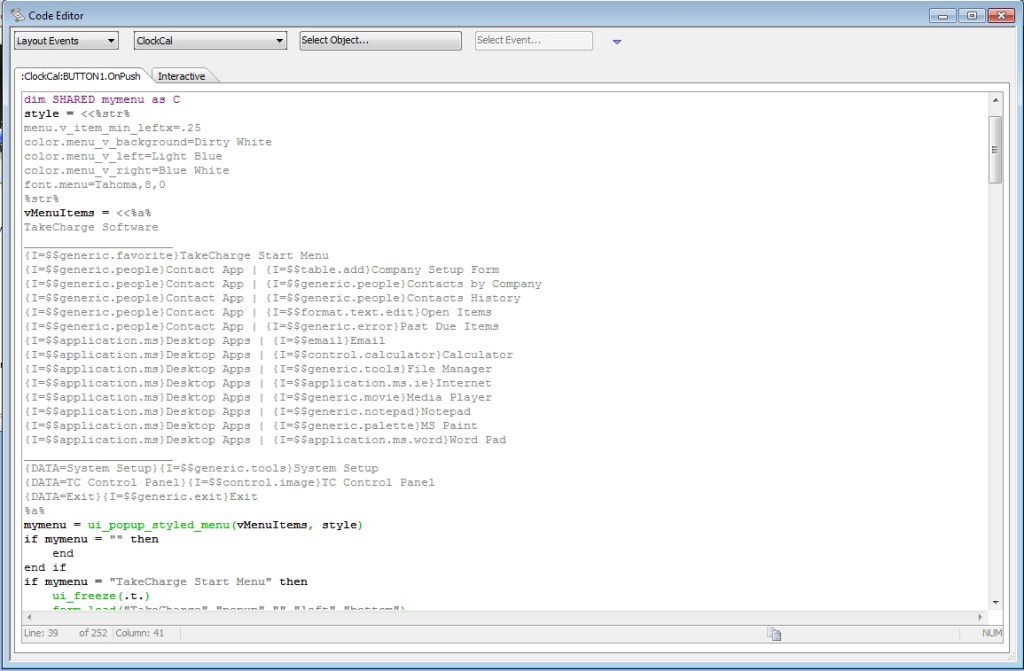 Since our menu has several unrelated routines I am not showing all the code here. You can get the proper syntax for a ui_popup_styled_menu() from the Alpha Software wiki page and design your menu as you want.
Now, because our front page floats above the desktop, it has the appearance of a Desktop Gadget only it is a full blown application. The pop up menu allows us to add as many features to our application as we want bringing us closer to our goal of a more robust and user friendly Contact Management Application. I hope you found this lesson helpful and our next lesson will look at how to group our activities by a focus date.
 Custome Database Design with Alpha Software
Leave a comment